Buyer's guide
DIY vs Done-for-You AI Receptionist Setup

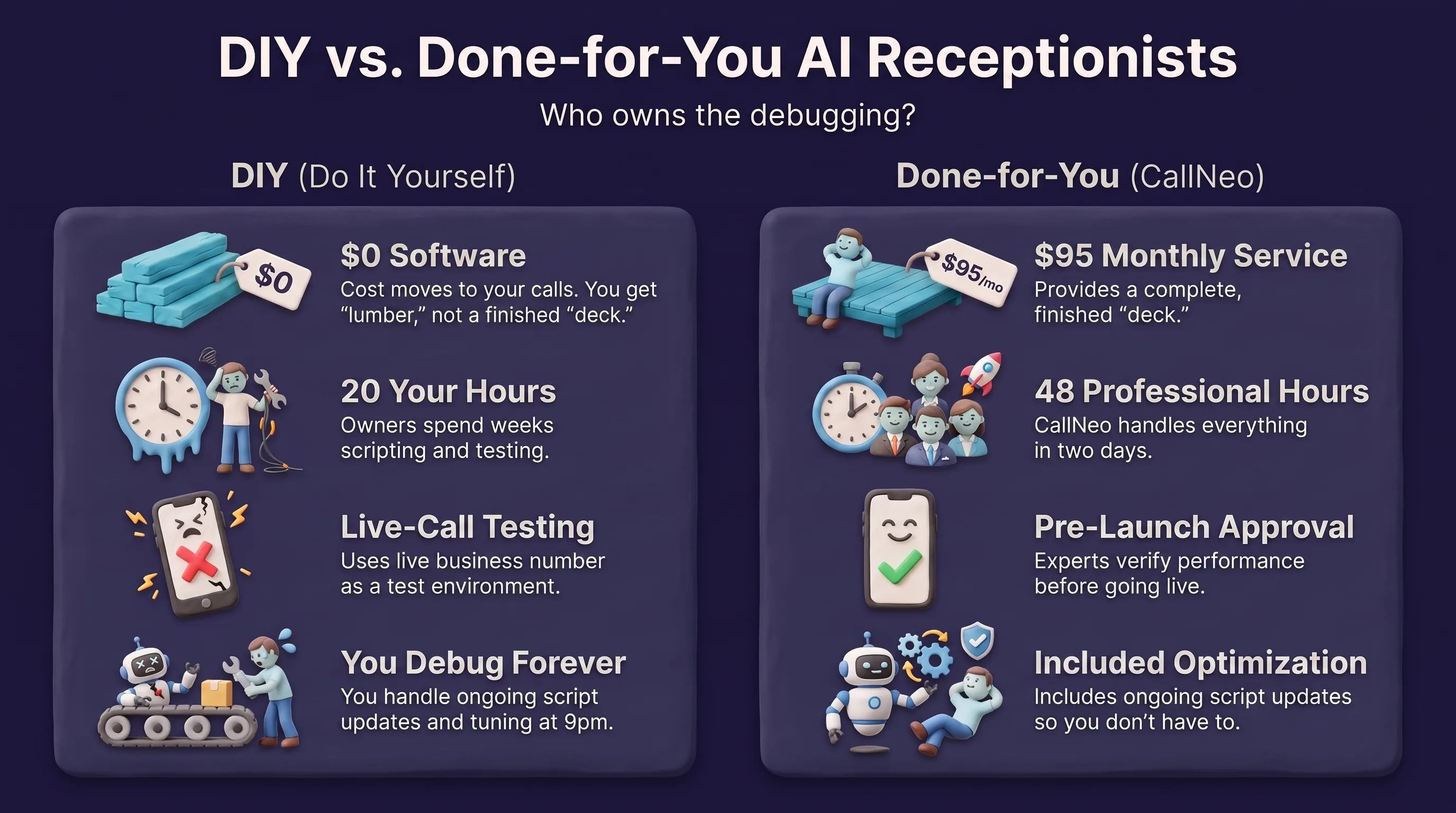
DIY AI receptionist setup costs $0 in software and roughly 6 to 20 hours of your own time, spread over the first two to three weeks. Done-for-you setup costs from $95/mo with CallNeo, takes about 48 hours, and the hours are ours. The real difference is not price — it is who owns the debugging. With DIY, every bad call is a support ticket you file with yourself. That is the whole trade, and for most owners shopping for an AI receptionist for small business use, it is the deciding factor.
Here is what each path actually involves, where DIY genuinely wins, and why “you only go live once it’s ready” matters more than any monthly number.
What DIY actually means when you build it yourself
Self-serve AI receptionist platforms have gotten good. Sign up, get a number, paste in a prompt, connect a calendar. The demo works in ten minutes and it feels like you are done.
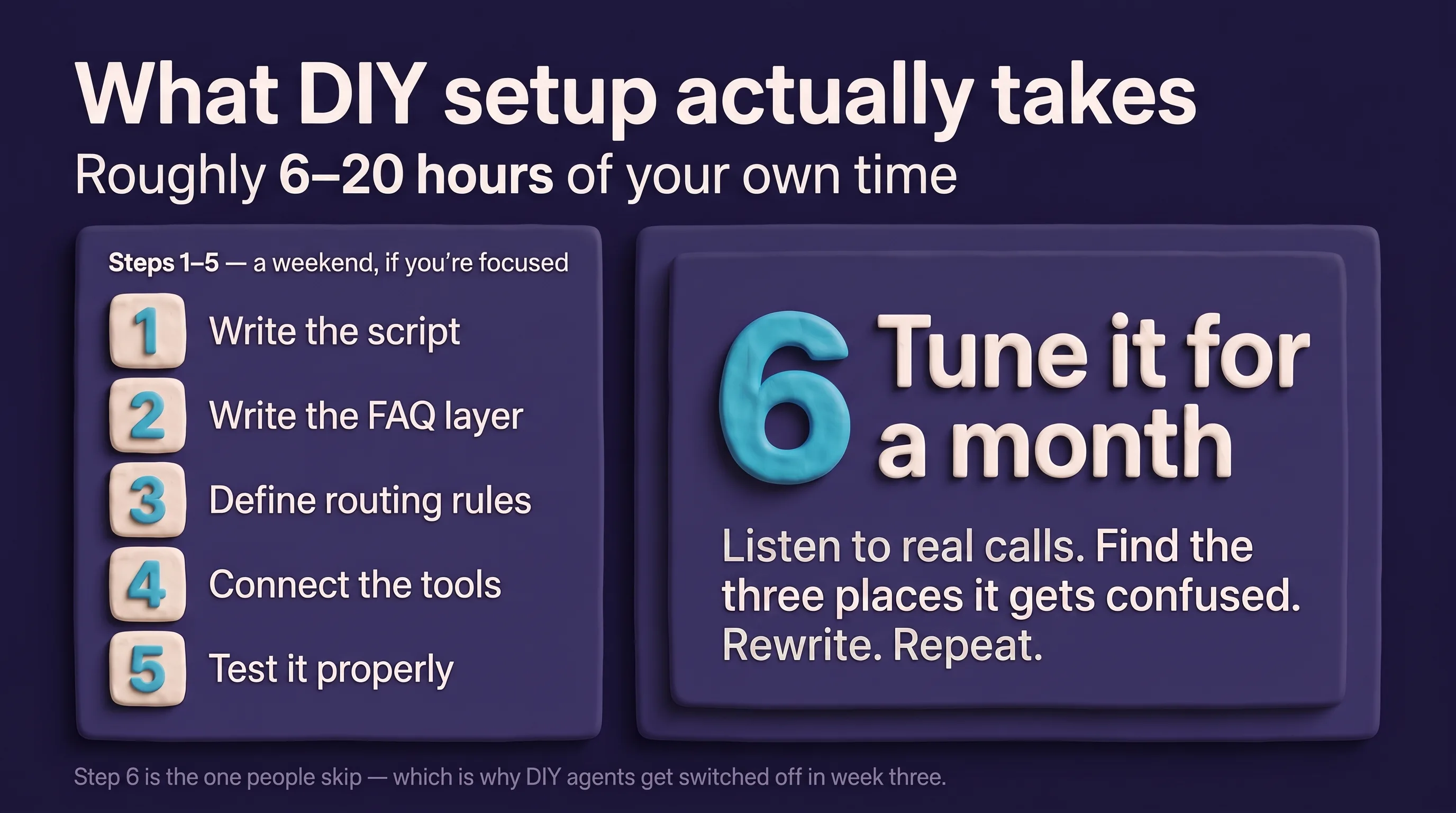
You are not done. Here is the actual task list:
- Write the script. Not a paragraph — the greeting, the qualifying questions in the right order, what to do when the caller answers “I don’t know,” how to handle someone who just wants a price.
- Write the FAQ layer. Hours, service area, do you take that insurance, do you charge for estimates, what brands do you service. Every wrong answer here is a lost job or a refund conversation.
- Define routing rules. Who gets a transfer, who gets booked, who gets a message, and what happens at 2am. Urgency has to be routed by your rules — the agent should never be improvising about what counts as an emergency.
- Connect the tools. Calendar is usually easy. CRM is usually not. Field mapping, duplicate handling, what to do when the lead already exists.
- Test it properly. Call it as an angry customer. Call it with a bad connection. Call it with an accent the model has not heard much of. Call it and interrupt.
- Tune it for a month. Listen to real call recordings, find the three places it gets confused, rewrite those, repeat.
Steps one through five are a weekend if you are focused. Step six is the one that stretches. It is also the one people skip, which is why so many DIY agents get switched off in week three.
Why the $0 anchor is a real number attached to an unreal comparison
Smith.ai and several other vendors lead with a $0 self-serve tier for their AI agent. That number is honest — you genuinely can start building without paying. But it is pricing the software, not the outcome. It sits next to done-for-you pricing in search results as if the two things are the same product, and they are not.
A closer analogy: $0 gets you the lumber. It does not get you the deck.
We go deeper on how the tiers stack up in our Smith.ai pricing breakdown and the head-to-head at CallNeo vs Smith.ai. Short version: Smith.ai is a strong, established company with a large human-receptionist operation behind it, and if you want humans on the phone, they are a serious option. What the $0 tier does not include is somebody writing your script for you.
What “done-for-you” includes for an AI receptionist for small business
With CallNeo, done-for-you means the six-step list above is our job:
- We interview you about how your business actually books work.
- We write the script and the FAQ layer.
- We set the routing rules, including how urgent calls get escalated per your own protocol.
- We connect your calendar and your CRM — any CRM with an API.
- We test it against real call scenarios from your trade.
- You listen, you approve, and then it goes live on your number.
Most businesses are live in about 48 hours on the Starter plan. Pricing starts at $95/mo, overage works out to roughly ~$0.50 for a typical call, and there is no long-term contract. Full breakdown in our AI receptionist cost guide.
And we keep optimizing after launch. That is the part DIY buyers underestimate — an AI receptionist is not a product you install, it is a script that drifts as your business changes. New service line, new pricing, seasonal hours, a competitor’s promo that changes what people ask about. Someone has to update it. With done-for-you, that someone is not you at 9pm.
The risk-reversal: you only go live once it’s ready
This is the actual answer to the $0 anchor.
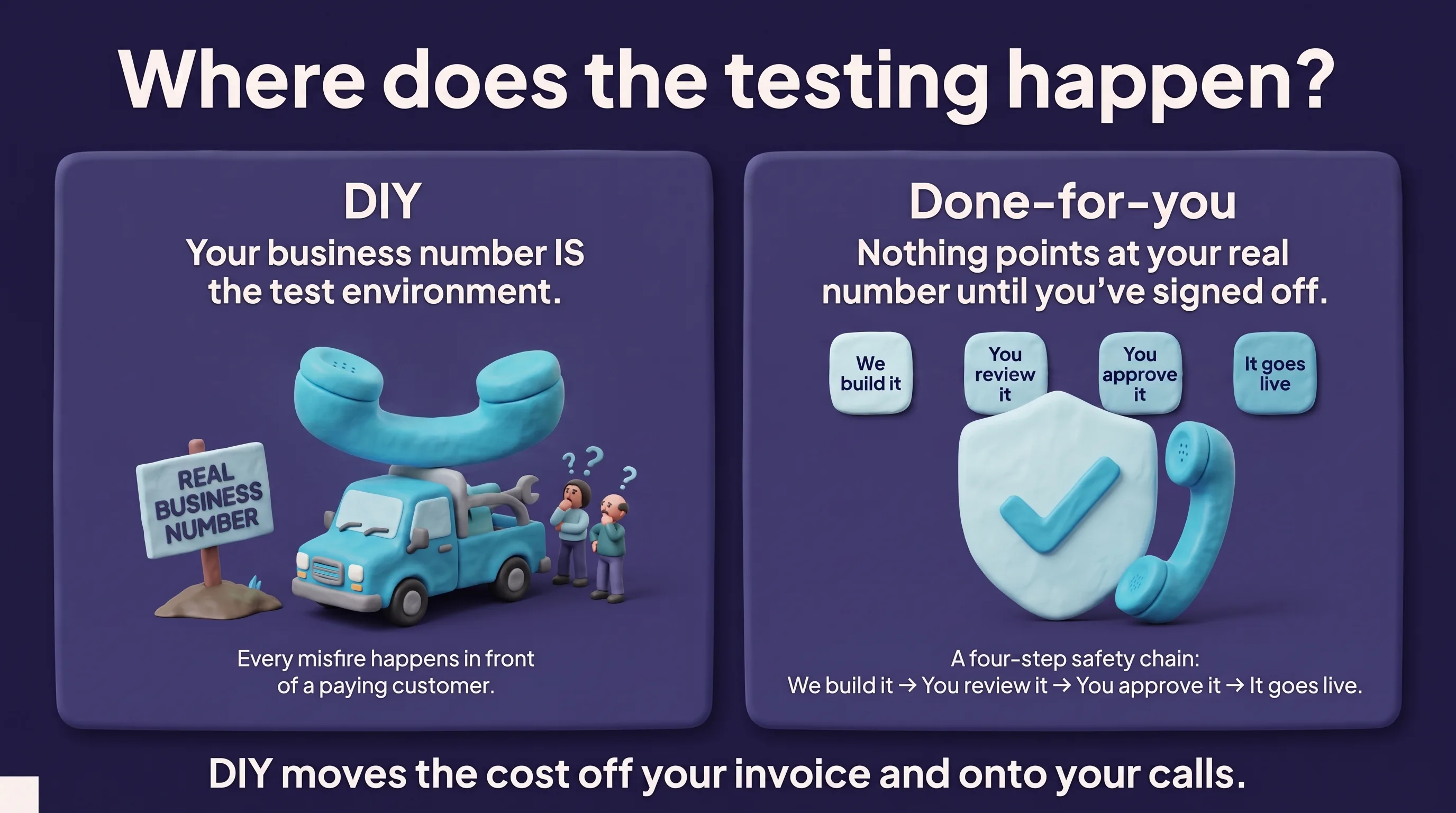
The risk in DIY is not the money. It is that your business phone number — the one on your truck, your Google profile, your yard signs — is now the test environment. Every misfire happens in front of a paying customer. You find out the agent gives the wrong service-area answer because a customer tells you, angrily, three days later.
With a done-for-you build, nothing points at your real number until you have heard the agent and signed off. We build it, you review it, you approve it. If it is not right, it does not launch. You are not risking live calls to find out whether the script works.
That is the trade in one sentence: DIY moves the cost off your invoice and onto your calls.
When DIY is genuinely the better choice
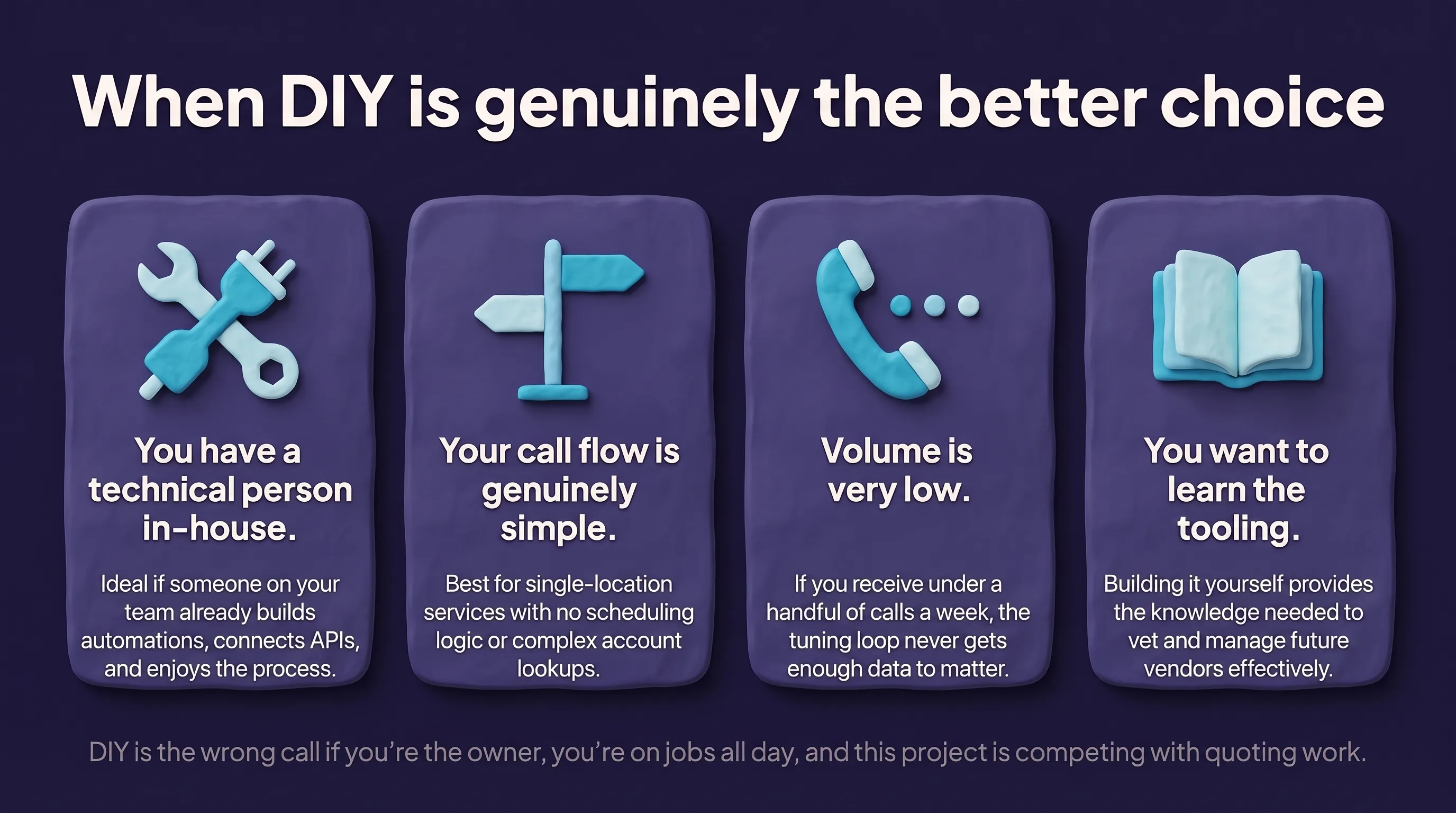
We would rather you pick right than pick us. DIY is the correct call if:
- You have a technical person in-house. If someone on your team already builds automations, connects APIs, and enjoys it, the platform tools are good enough that they will do fine. Pay for software, keep the labor internal.
- Your call flow is genuinely simple. One service, one location, no scheduling logic, no insurance or account lookups. A short prompt covers it.
- Volume is very low. Under a handful of calls a week, the tuning loop never gets enough data to matter much, and neither does the cost.
- You want to learn the tooling. Legitimate reason. Building one yourself teaches you what to ask any vendor later.
DIY is the wrong call if you are the owner, you are on jobs all day, and the receptionist project is competing with quoting work for your attention. It will lose that competition every week.
DIY vs done-for-you, side by side
| DIY setup | Done-for-you (CallNeo) | |
|---|---|---|
| Upfront software cost | Often $0 to start | From $95/mo, no contract |
| Who writes the script | You | We do |
| Who connects the CRM | You | We do |
| Time to live | Days to weeks, your hours | About 48 hours, our hours |
| Testing environment | Usually your live number | Reviewed and approved before launch |
| Ongoing tuning | You, forever | Included and ongoing |
| Best fit | Technical owner, simple flow | Owner who is on jobs all day |
What about the “missed calls are costing you a fortune” math?
You will see enormous numbers thrown around in this category — “85% of callers never call back” is the most common one. We have looked for the source and it does not exist in any traceable form, so we do not use it and you should discount anyone who does.
The honest version is smaller and still worth acting on: your missed calls are a knowable number, your average job value and close rate are knowable numbers, and multiplying them gives you a defensible figure for your business specifically. That is what the missed-call revenue calculator does, and we go through the arithmetic in what missed calls really cost home service businesses. If that number is under $95 a month, do not buy anything — from us or anyone.
How to decide this week
Three questions:
- Who is doing the tuning in month two? If you cannot name a person with time, done-for-you.
- Can your phone number survive a bad week? If a wrong answer costs you a customer relationship you cannot afford to lose, do not test on live calls.
- What is your hourly worth? Fifteen hours of setup at your billable rate is usually more than a year of done-for-you service. Do that multiplication before you commit to a weekend of prompt writing.
If you want to hear the difference rather than read about it, call the demo line and talk to a live agent the way a customer would — book something, interrupt it, ask it something off-script. Then book a demo and we will scope what your build looks like, whether you are starting from scratch or bringing a DIY agent you already half-built. Trade-specific setups live on our industry pages if you want to see what the script looks like for your work.
Frequently asked questions
Is a DIY AI receptionist really free?
The software tier can be free or low-cost, but the setup is not. You supply the script, the FAQ answers, the call routing rules, the calendar connection, and the testing. Most owners spend several evenings on the first build and keep tuning it for weeks afterward, which is real cost even though it never appears on an invoice.
How long does a done-for-you AI receptionist take to set up?
With CallNeo, most businesses are live in about 48 hours on the Starter plan. We write the script, train the agent on your business, connect your calendar and CRM, and test it before anything points at your real phone number. You review it and approve it before it takes a live call.
What does an AI receptionist for a small business cost?
CallNeo's done-for-you service starts at $95/mo with no long-term contract, and overage works out to roughly $0.50 for a typical call. DIY platforms often advertise a $0 or near-$0 entry point, but that price covers software access only, not the script writing, integration work, or ongoing tuning.
Can I switch from DIY to done-for-you later?
Yes, and it is common. If you have already built a DIY agent, the work you did on your FAQ answers and call routing rules is not wasted — it becomes the starting brief. Bring your existing prompt and call recordings and the build gets faster, not slower.
How does a done-for-you AI receptionist handle urgent calls?
Urgency is routed by your rules, not by the AI making a judgment call. You tell us what counts as an emergency in your business and where those calls should go — 911, an on-call line, a direct transfer to you — and the agent follows that protocol every time.
Do I still need a human answering service if I use an AI receptionist?
Many businesses run AI alone once they trust it, and others keep a human backstop for complex accounts or specific hours. A well-configured AI receptionist handles the repeatable work — booking, qualifying, FAQs, message taking — and hands off anything outside its rules to a person you designate.
See CallNeo answer your calls
Book a 15-minute demo and hear exactly how CallNeo would handle your phones.